Skip to content
REAHAerospace

REAH Digital / Engineering software

Think in systems.
Engineer in detail.

From the first geometry to the last test channel. A connected software portfolio for the decisions that shape an aircraft.

UAV mathematical model surrounded by fine computational streamlines
Aerodynamic analysis / Software concept visual

Portfolio preview. Evaluation access, integration scope and programme delivery are agreed with your team.

Seven fields. One connected portfolio.

From concept to
measured performance.

Start with the engineering question in front of you. Connect geometry, physics, power and evidence as the aircraft takes shape.

Read the portfolio brief

01 / Aircraft concept design

REAH Shape

Develop the aircraft around its requirements.

Move from a packaging constraint to an aircraft concept. Shape brings fuselage geometry, lifting surfaces and equipment envelopes into the same design conversation.

  • Fuselage & airframe
  • Packaging & balance
  • Geometry handoff
Explore REAH Shape
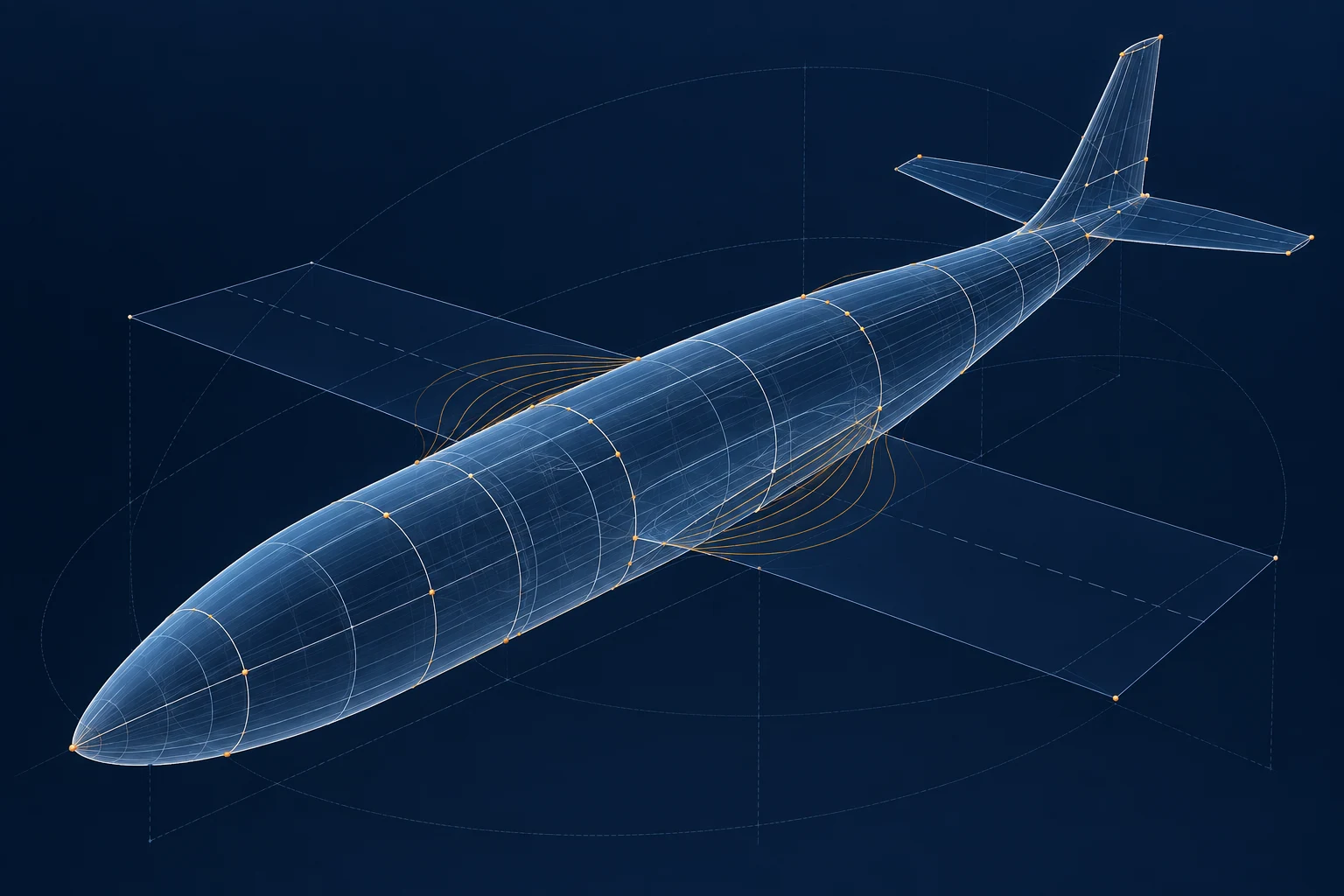
UAV fuselage represented by parametric section curves, translucent surfaces and control points
Parametric UAV geometry Software concept visual

02 / Airfoils & computational fluid dynamics

REAH Aero

Understand airflow. Compare design choices.

Connect airfoil decisions to installation aerodynamics. Aero brings section studies and CFD workflows into a clear path from setup to engineering interpretation.

  • Foil
  • CFD Studio
  • Design comparisons
Explore REAH Aero
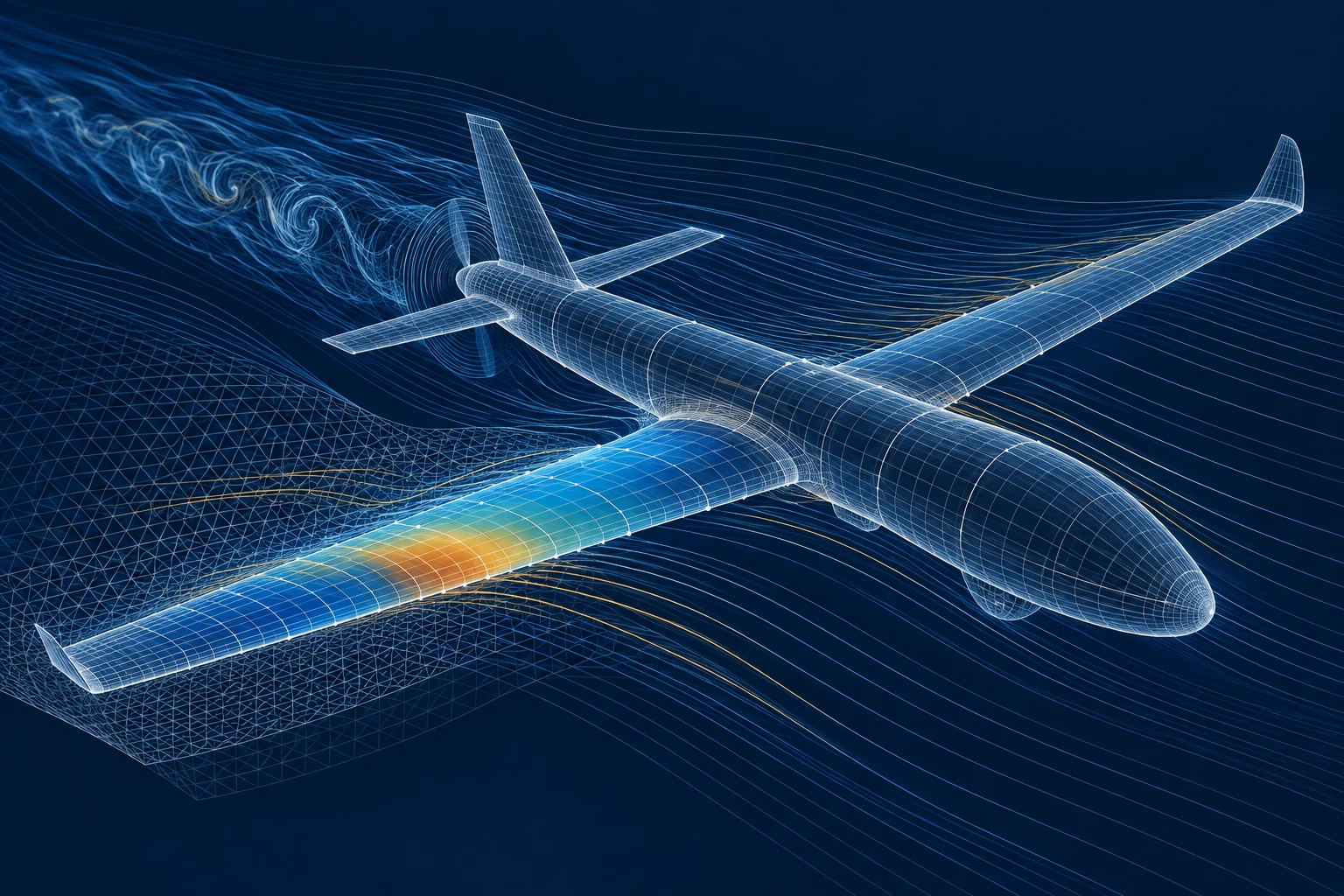
Wireframe UAV surrounded by computational streamlines and an analysis mesh
Aerodynamic analysis Software concept visual

03 / Cooling & heat rejection

REAH Thermal

Design cooling around the aircraft.

Bring heat loads, cooling circuits and installation airflow into one engineering view. Explore the conditions that set the cooling margin, from ground operation to climb and sustained load.

  • Cooling circuits
  • Installation airflow
  • Rotax application package
Explore REAH Thermal
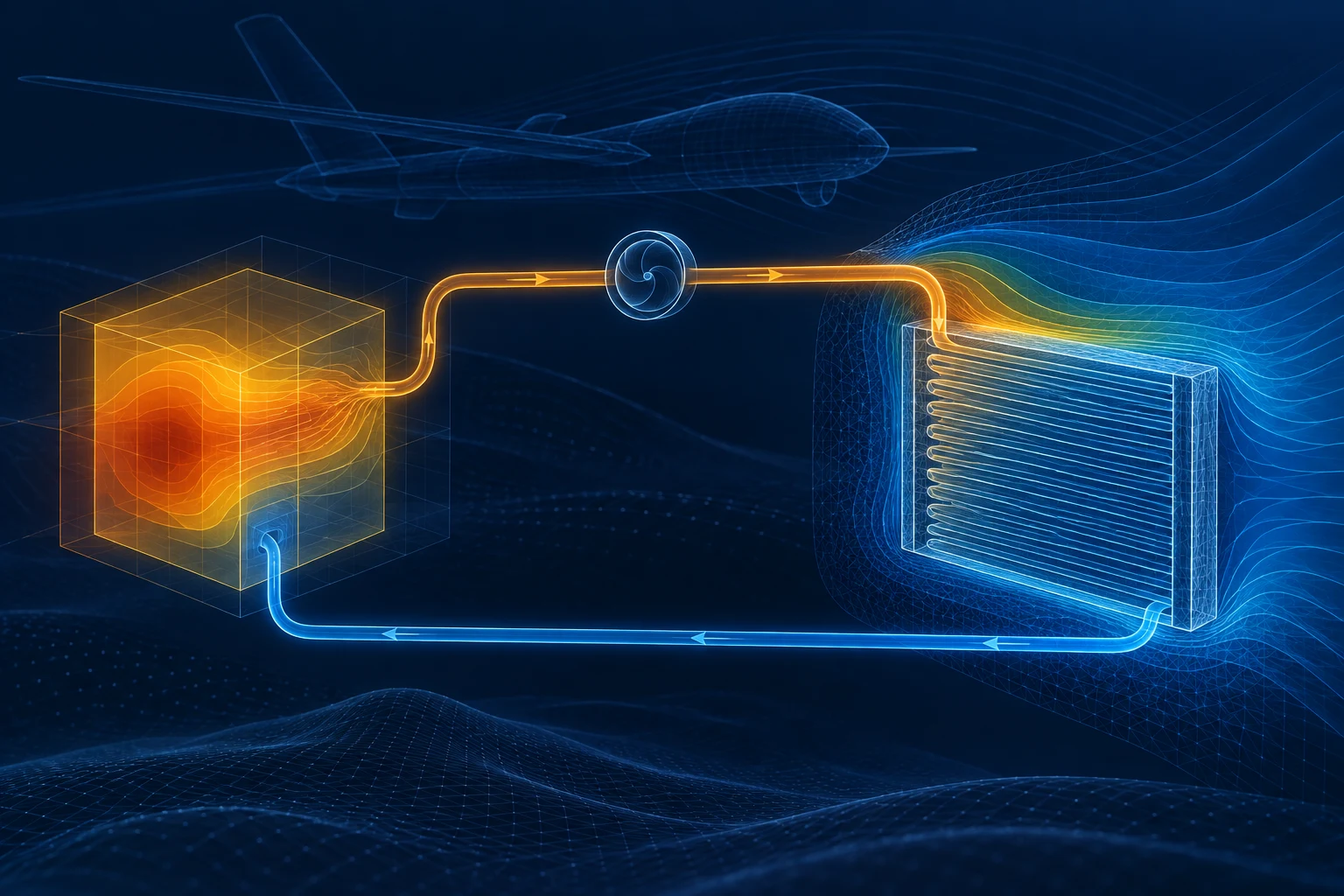
Computational cooling circuit with heat-source, radiator outlines and thermal contours
Thermal systems modelling Software concept visual

07 / Onboard computing & vision

REAH Flight

Bring computing, sensing and mission applications together.

Define the onboard software around the aircraft application. Connect companion computing, payload interfaces, health monitoring and vision-based localisation within a coherent integration programme.

  • Mission computing
  • Instrumentation & telemetry
  • Vision
Explore REAH Flight
Wireframe UAV trajectory through a terrain point cloud with vision feature correspondences
Vision and localisation Software concept visual

Designed to connect

Keep the aircraft in view.

A new payload changes the mass, the power demand and the heat to reject. Follow the consequences across the engineering disciplines.

  1. 01

    Define

    Shape + Aero

    Explore the configuration, package the equipment and understand the aerodynamic choices.

  2. 02

    Balance

    Propulsion + Power + Thermal

    Bring shaft power, electrical demand and heat rejection into the same installation study.

  3. 03

    Integrate

    Flight

    Define onboard computing, sensing and interfaces around the application.

  4. 04

    Learn

    Trace

    Compare predictions with test data and carry the findings into the next configuration.

Choose your starting point

Bring one real engineering question.

Three focused entry offers turn your priorities into a practical evaluation.

01

Aero Tools

REAH Aero / REAH Shape

Start with an aerodynamic question.

Scope airfoil comparisons and repeatable CFD studies around the geometry and operating conditions that matter to your team.

Discuss an Aero Tools evaluation
02

Thermal & Power Workspace

REAH Thermal / REAH Power / REAH Propulsion

Find the installation's limiting condition.

Bring heat rejection, electrical generation and operating margins into one installation review. Start with a representative aircraft case.

Discuss a Thermal & Power evaluation
03

Test Data Workspace

REAH Trace

Make every test move the design forward.

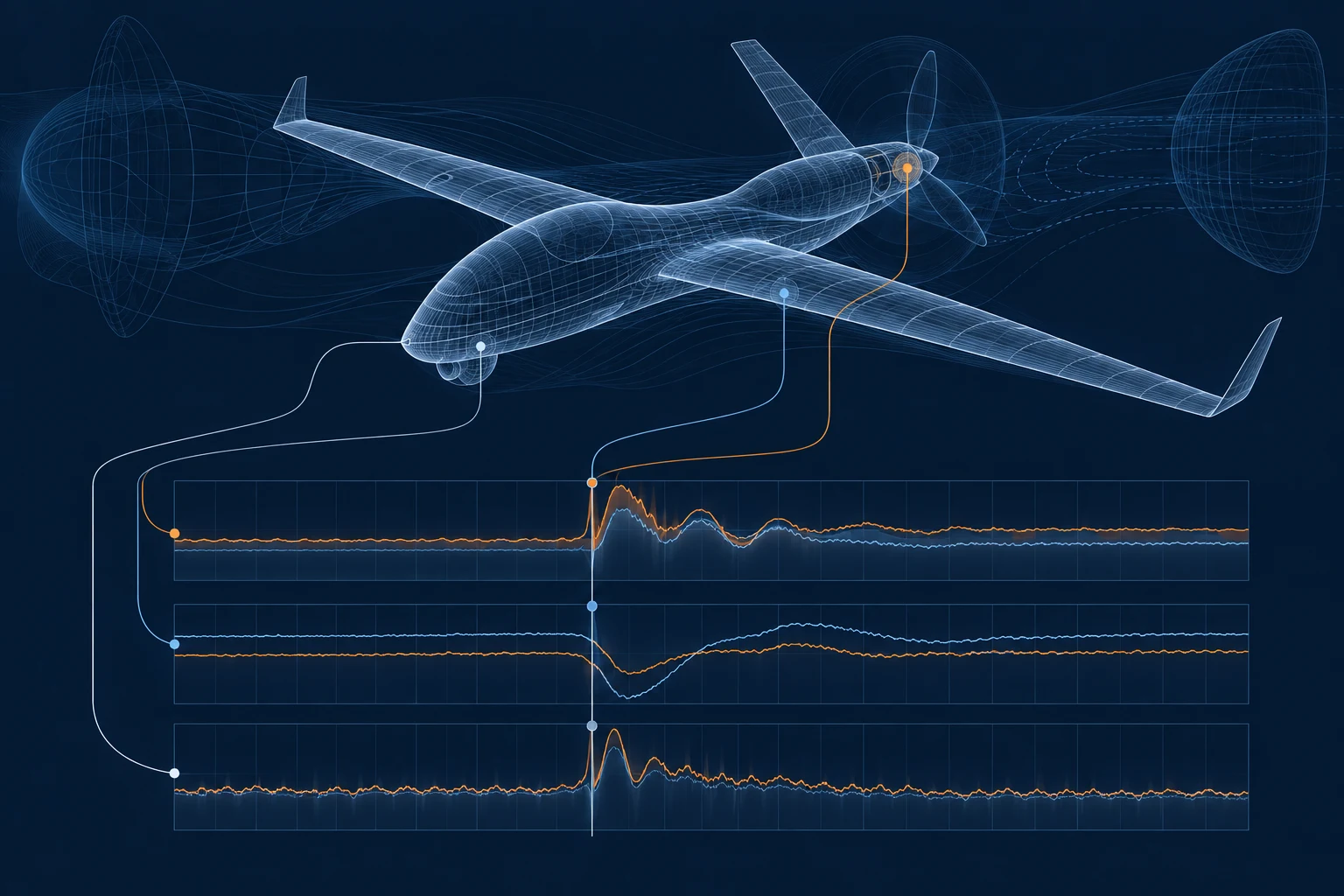
Start with a real dataset and a recurring review task. Define the path from raw channels to a reproducible comparison and engineering report.

Discuss a Test Data evaluation

REAH Digital Design Partner Programme

Shape the tool your engineers want to use.

Bring a recurring workflow, a representative case and the decision it must support. Define an evaluation around your engineering priorities.

Your case

An installation, a geometry, a test dataset or an onboard application. Identify where the current workflow loses time or clarity.

Your evidence

Agree reference data, supported inputs, deployment requirements and the first useful engineering result.

Your programme

Set evaluation milestones, integration scope and a delivery plan that fits your team.

Discuss becoming a design partner